Renoise Review: How Well Does It Work for Narrative Video Creation?
This Renoise review examines its multi-model workflow, character consistency tools, Canvas, AI Agent, and lip sync for creating narrative videos.
5 min read
Creating an AI-generated story requires more than producing one attractive clip. Characters need to remain recognizable, locations must feel connected, dialogue has to match the performance, and every shot must support the same visual direction. These requirements make narrative video a useful test of an AI creative platform.
This review looks at Renoise AI from the perspective of short-film and episodic-video creators. Renoise combines multiple image, video, and audio models with an asset library, a visual Canvas, prompt assistance, and an AI Agent. Its ai lip sync workflow also gives creators a practical way to make original characters deliver dialogue or songs within a generated scene.
What Renoise Offers Narrative Creators
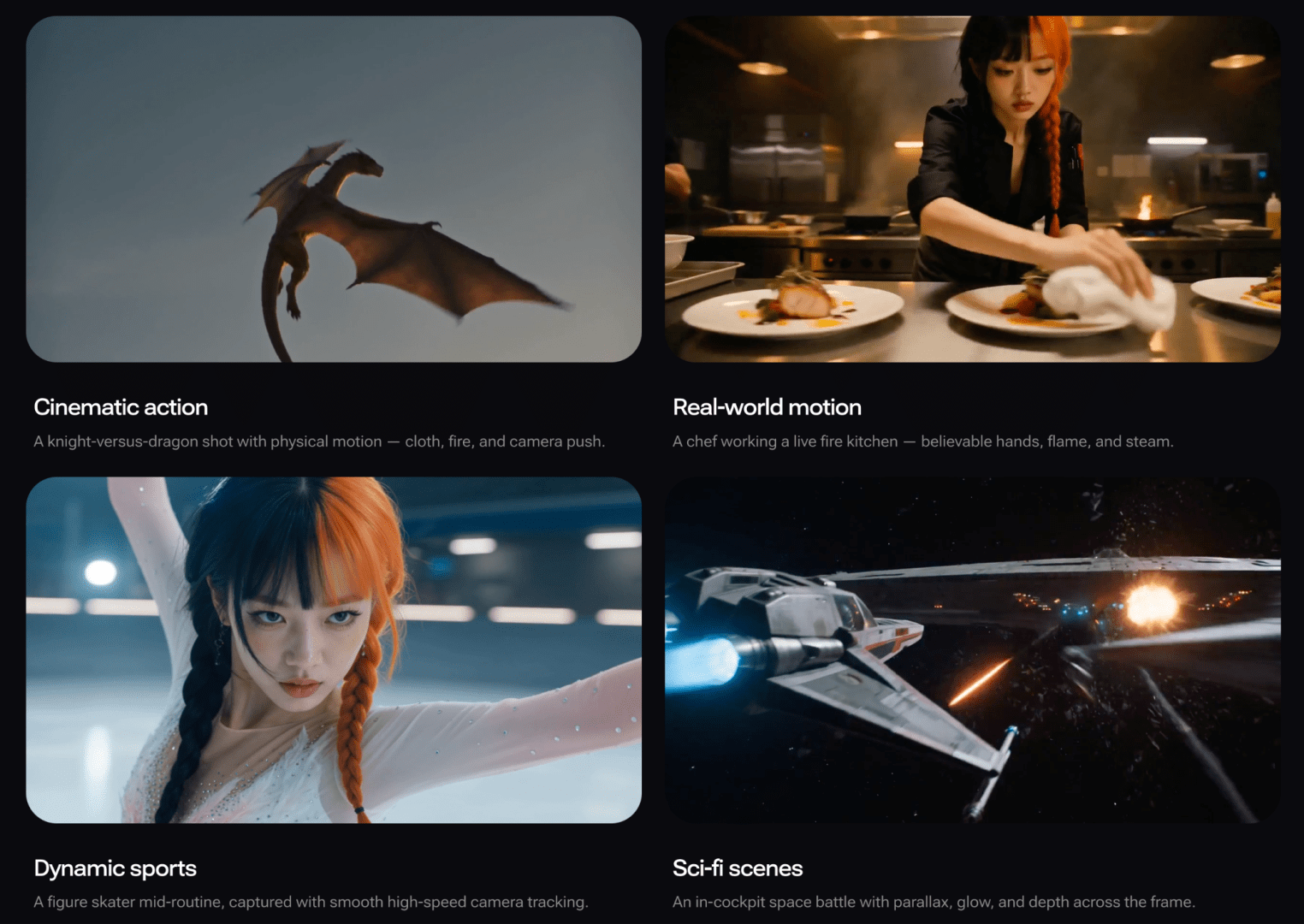
Renoise currently provides access to 20 models: eight for video, ten for images, and two for audio. The collection includes Seedance, Kling, Gemini Omni Flash, Grok Imagine, HappyHorse, Midjourney, GPT Image 2, Seedream, Nano Banana, Seed Audio, and Lyria.
Instead of asking one model to handle an entire production, creators can choose a model for each task while keeping the resulting assets inside one account. This multi-model approach is one of Renoise’s strongest practical advantages.
A Practical Story-Creation Workflow
A useful workflow begins before video generation. The creator can develop character portraits, costumes, props, and locations as still images, then save the approved versions in the asset library. Supported models allow assets to be referenced by name inside prompts, reducing the need to upload the same files for every shot.
Consistency is not automatic or guaranteed. AI models can still alter a hairstyle, face, costume detail, or background element. Renoise addresses the problem through a combination of multiple reference images, named assets, repeated character descriptions, and first- and last-frame controls. Used together, these tools can reduce visual drift across a sequence.
Using Canvas for Shots and Continuity
Renoise Canvas is designed for projects involving multiple assets and shots. Images, videos, and generated results appear as cards, while connections show which references belong to each generation. This makes it easier to see how a character image, location reference, or previous frame is being used.
For sequential storytelling, a creator can extract the final frame of one clip and use it as the opening frame of the next. This does not guarantee perfect continuity, but it gives the next generation a clearer visual starting point. It is particularly useful for dialogue scenes, entrances, reactions, and simple actions that need to continue across two shots.
Canvas can also trim individual clips, extract frames or audio, and collect selected assets for download. It should not be mistaken for a complete nonlinear editor. Final sequencing, transitions, subtitles, sound mixing, and delivery still need to be completed in dedicated editing software.
How Renoise Handles Dialogue and Lip Sync
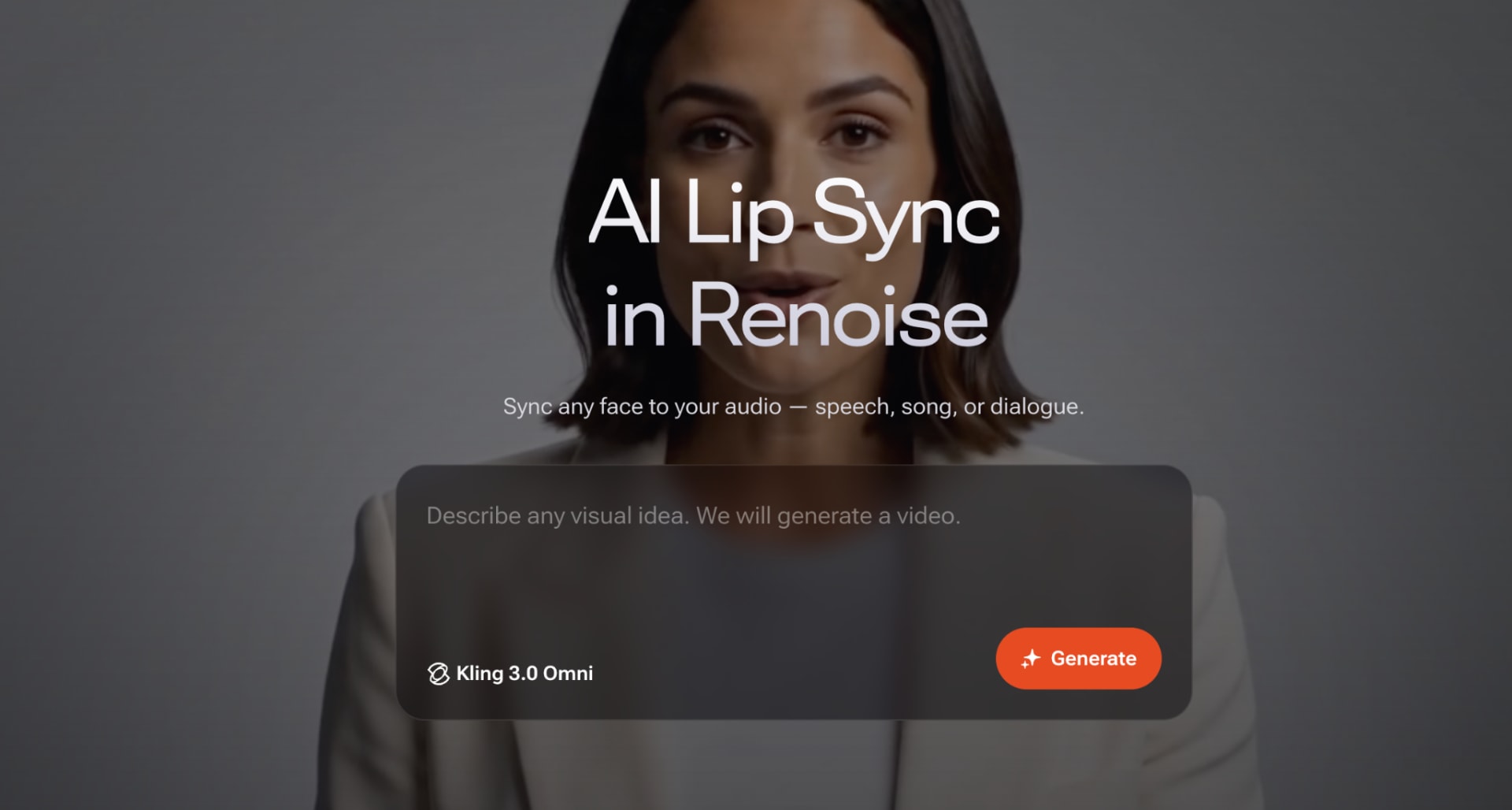
Lip sync in Renoise is handled natively through Kling 3.0 Omni. A creator can add a generated character, provide a voiceover, vocal track, or typed dialogue, select Kling, and generate a performance in which the mouth follows the audio.
Kling lip-sync clips run from three to 15 seconds and output at 720p or 1080p. Longer conversations therefore need to be divided into separate clips and assembled later. Lip sync also depends on the selected Kling model rather than being a universal option across every video model on the platform.
Where Renoise Agent Helps
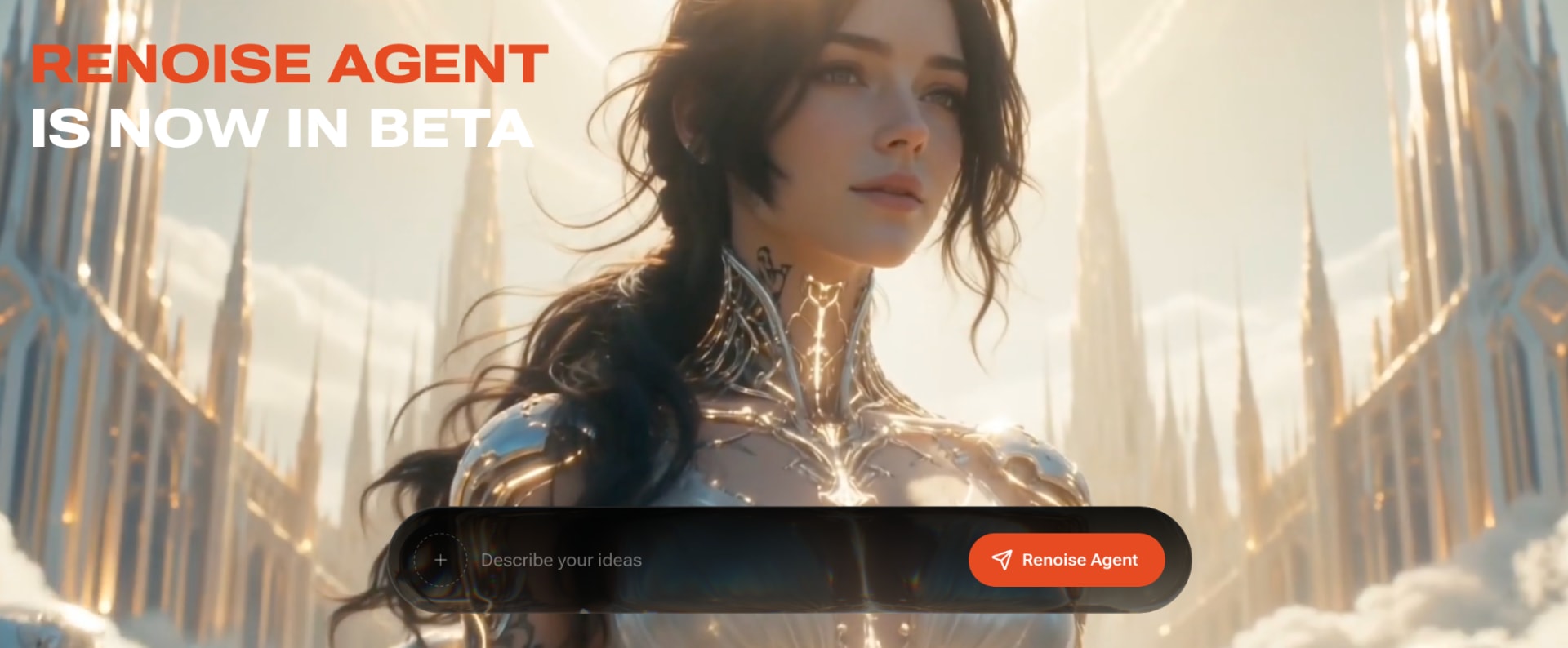
Renoise Agent, currently in beta, provides a conversational planning workflow on desktop web. It can ask questions about a creative brief, inspect reference assets, break a request into generation tasks, and show the parameters and credit cost before each task is submitted.
Pricing and Limitations
Renoise does not offer a free plan or registration credits. Starter costs $20 per month, Standard costs $60, and Advance costs $200. Standard users receive a 15% generation-consumption discount, while Advance users receive 30%. Because narrative projects often require several versions of each shot, creators should estimate iteration costs rather than budgeting only for the final clips.
The other major limitation is that Renoise improves workflow control without removing model uncertainty. Reference images and connected frames can make a character more stable, but creators must still review hands, faces, dialogue timing, costume details, and scene continuity.
Final Thoughts
Renoise is a strong option for narrative creators who want several leading image, video, and audio models inside one organized workflow. Its asset library, reference controls, Canvas, Prompt Enhance, Agent, and native Kling lip sync address real production needs beyond generating a single clip.
It is less suitable for someone seeking a free experiment or a one-click finished film. The platform still requires planning, iteration, model selection, and final editing. For creators willing to work shot by shot, however, Renoise offers a practical foundation for producing short dramas, character-driven social videos, and episodic AI stories.
FAQ
Is Renoise suitable for AI short films?
Yes. It supports character references, image and video generation, shot organization, audio creation, and lip sync. Final assembly still requires video-editing software.
Which Renoise model provides lip sync?
Kling 3.0 Omni provides native lip sync for speech, songs, and scripted dialogue. Other Renoise video models have different capabilities and do not all include this function.
Can Renoise keep the same character across several shots?
Renoise provides multiple references, reusable named assets, repeated prompt descriptions, and first- or last-frame controls. These can improve stability, but they do not guarantee identical results.
Does Renoise create a complete episode automatically?
No. Renoise helps plan and generate individual assets and shots. Creators still need to approve outputs, assemble clips, add subtitles, and complete the final edit.
More in artificial-intelligence
Cubed
Write about the technologies shaping the future.
For developers, founders, and curious minds exploring AI, crypto, Web3, and emerging tech—signal over noise.
One free account across In Plain English, Stackademic, Venture, and Cubed.
How it works- AI, crypto & Web3
- Software & emerging technologies
- Analysis & practical resources
- Thoughtful voices, not hype
Sign in
Google or GitHub
Complete profile
Takes a few minutes
Get approved & publish
Start sharing
Why write for Cubed?
The future deserves thoughtful voices, not just louder headlines.

Comments
Loading comments…