You may be familiar with SwiftUI, which lets you preview the UI as you write the code and generate the code as you drag and drop the views/controls onto the canvas. Since the UI is in the form of code in SwiftUI, you need to know about all the different types of views available.
Let us have a brief look at all of them.
Basic Views
Basic views are the most common to display text, images, shapes, colours, spacers, dividers, etc.
Basic View Examples: Text, Image, Circle, Color, Spacer, Divider, etc.
Control Views
These provide user interaction and control over some aspects of the app.
Example: Button, Toggle, Slider, Picker, Stepper, TextField, etc.
Container Views
Container Views arrange other views in various forms.
Example: VStack, HStack, ZStack, List, Form, GroupBox, etc.
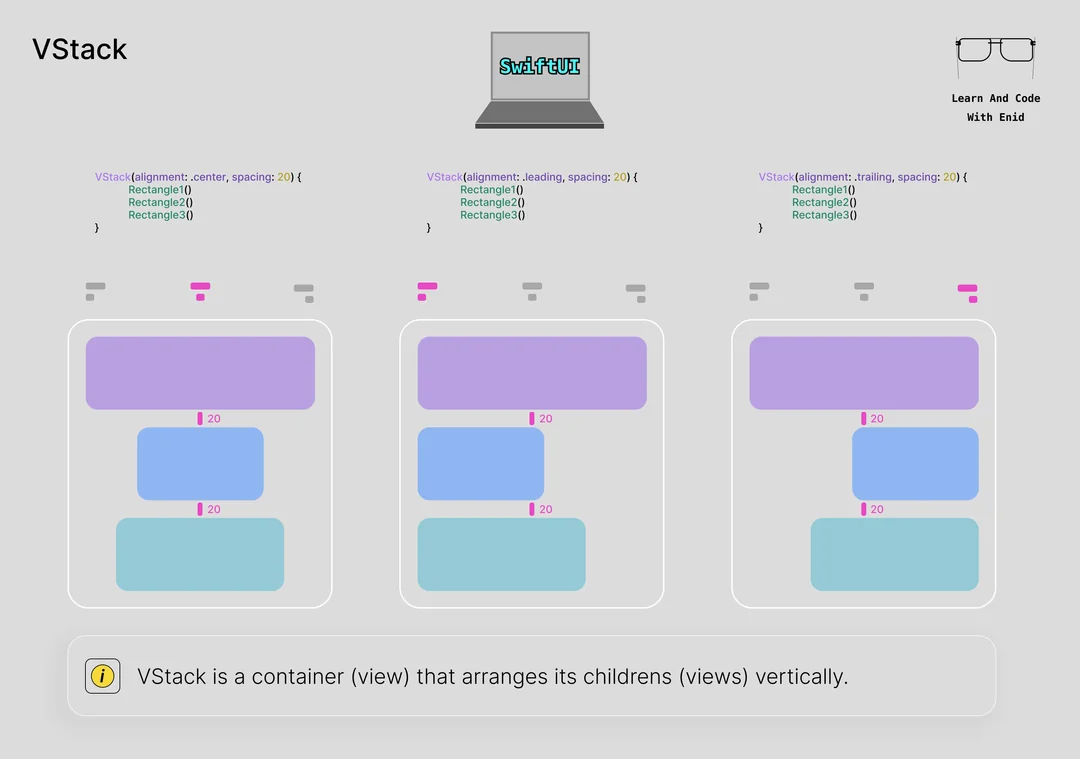
Image Credits: Reddit
Navigation Views
Navigation Views provide navigation and presentation options for your app.
Examples are NavigationView, TabView, NavigationLink, Popover, Sheet, Alert, ActionSheet, etc.
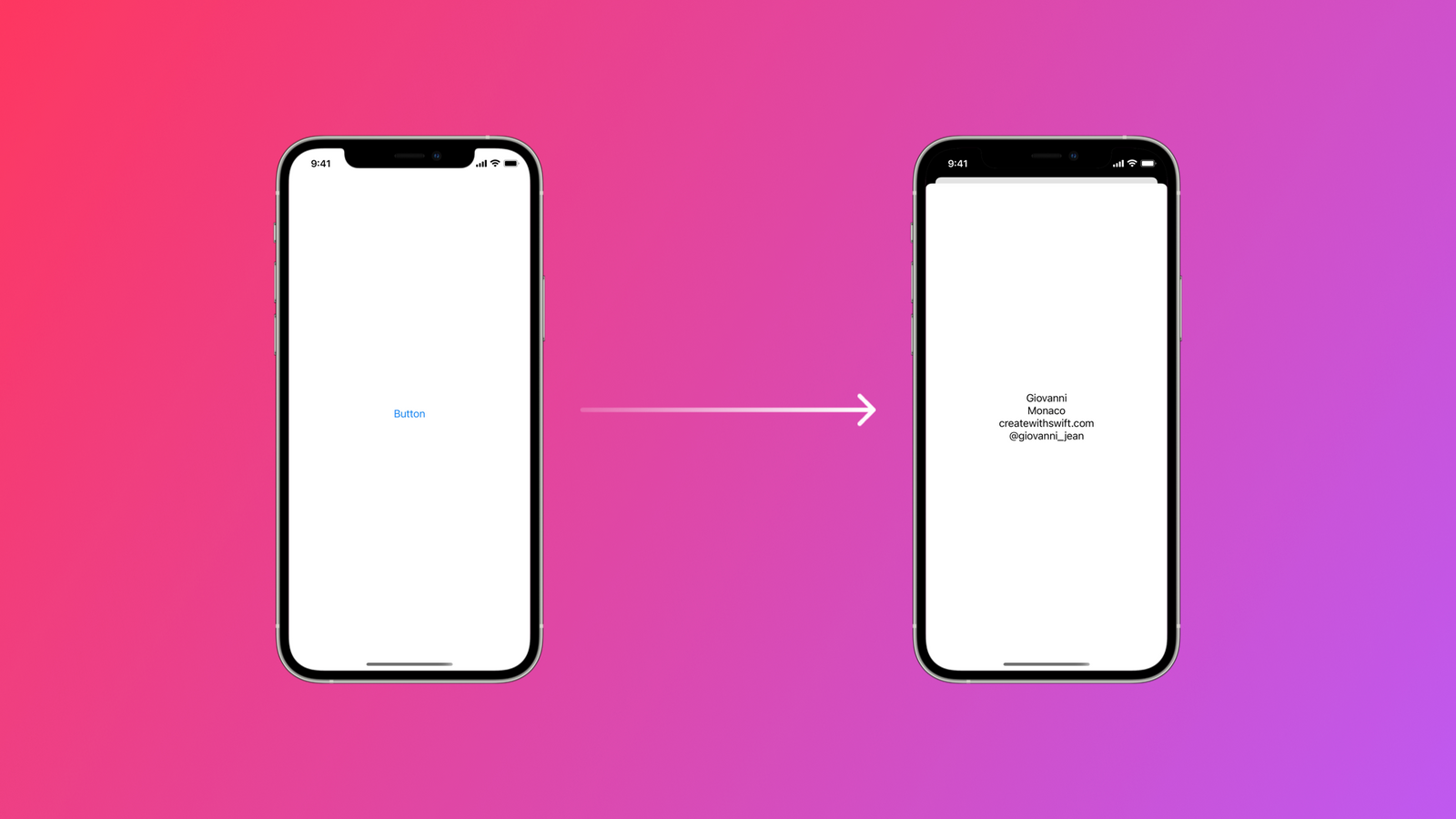
Image Credits: Create With Swift
Drawing and Animation Views
These views provide your app with drawing and animation capabilities.
Examples are Path, Shape, GeometryReader, Canvas, DrawingGroup, AnimatableModifier, AnimationViewModifier, etc.
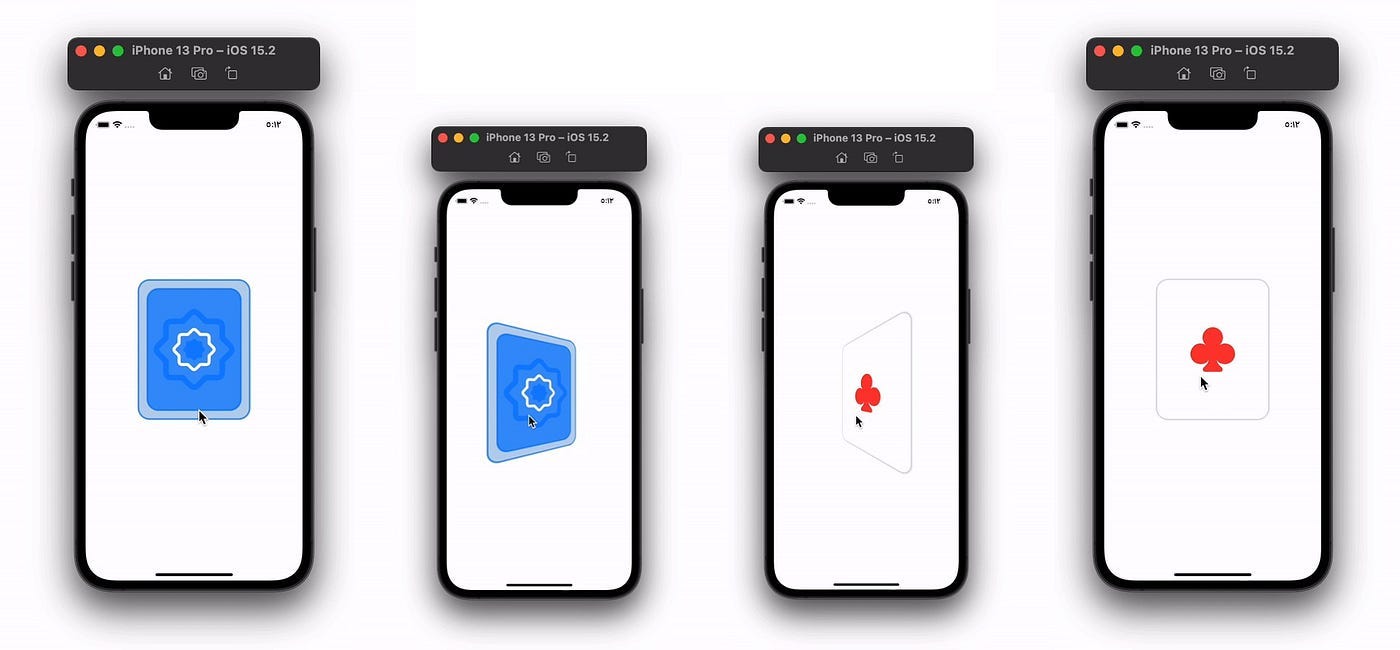
Image Credits: Better Programming
Chart Views
These provide charting and data visualisation capabilities for your app.
Examples are LineChartViewStyle, BarChartViewStyle, PieChartViewStyle, etc.

Image Credits: Swift Anytime
WidgetKit Views
WidgetKit views provide widget-specific functionality for your app.
Examples: WidgetConfiguration, WidgetView, Link, etc.
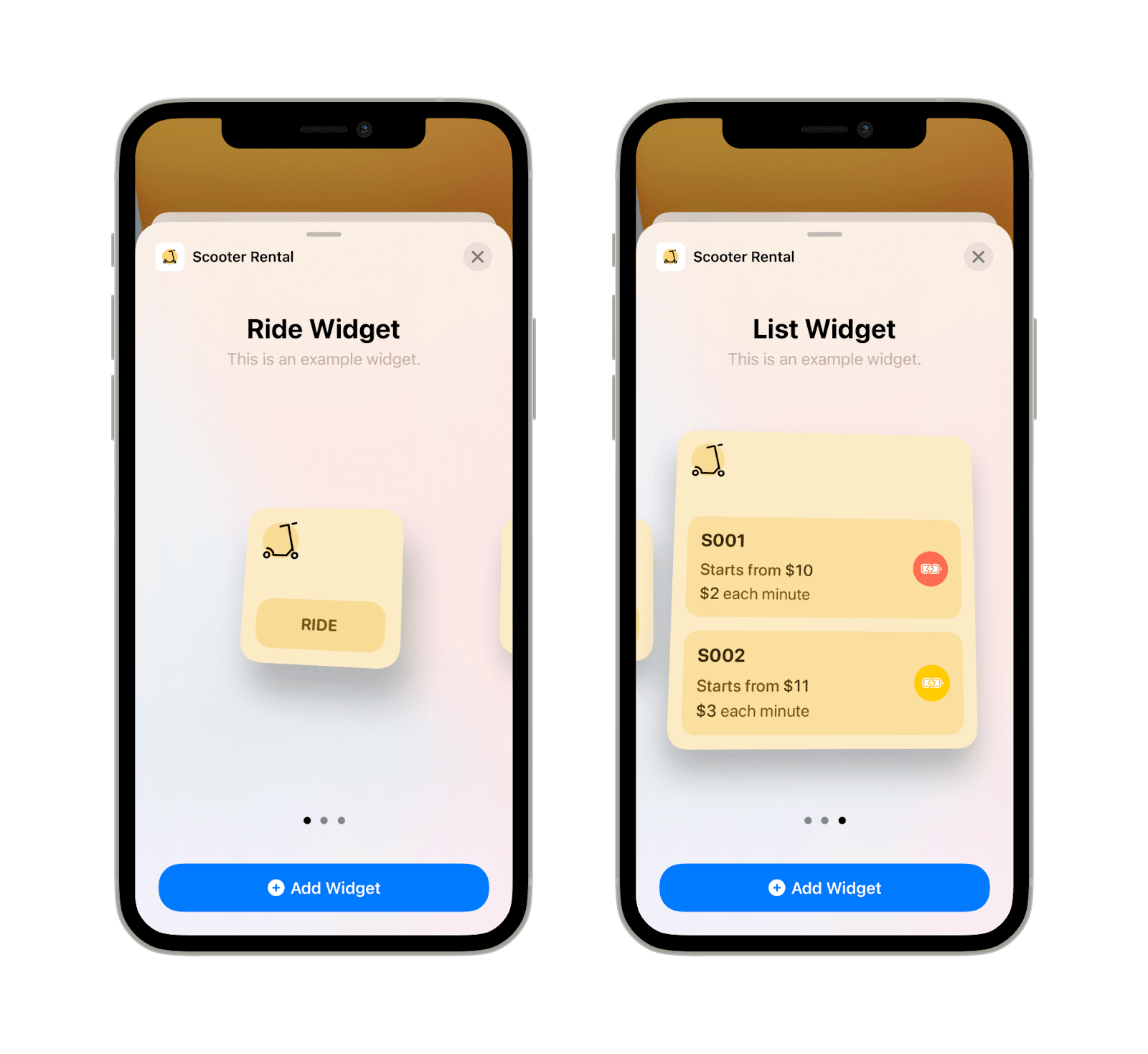
Image Credits: Exyte
In conclusion, SwiftUI presents a range of out-of-the-box views to serve the various UI requirements, including, but not limited to, basic element display, creation of interactive controls, complex layouts, and data visualisations. Henceforth, gaining knowledge about this variety of views helps you create lively and user-friendly interfaces for your SwiftUI apps.
More in programming



Cubed
Write about the technologies shaping the future.
For developers, founders, and curious minds exploring AI, crypto, Web3, and emerging tech—signal over noise.
One free account across In Plain English, Stackademic, Venture, and Cubed.
How it works- AI, crypto & Web3
- Software & emerging technologies
- Analysis & practical resources
- Thoughtful voices, not hype
Sign in
Google or GitHub
Complete profile
Takes a few minutes
Get approved & publish
Start sharing
Why write for Cubed?
The future deserves thoughtful voices, not just louder headlines.

Comments
Loading comments…